
Using Queye AI
On April 12, 2024, Queye unveiled a new service to help its search results: Queye AI. It is a mixture of OpenAI's GPT 3.5 and additional information from Queye.
How to enable Queye AI
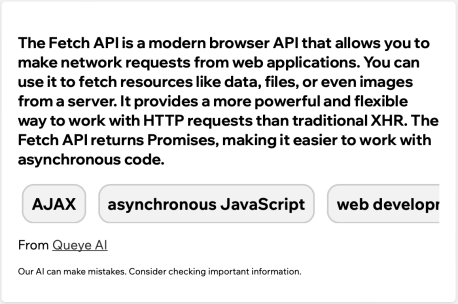
You simply need to sign up. Once you do, you will see a new Smart Result.

Simply, click and it will try to find information about your query.
Automatically ask Queye AI every query
If you'd like to enable Queye AI for every query, you can subscribe to Queye Plus.
Fun Facts
- Queye AI knows your name! Ask it.
- Queye AI gives you recommended queries to continue searching on the topic.